DoD Common Access Cards provide secure authentication for military and civilian personnel. Understanding CAC setup, troubleshooting, and security prevents access problems.
Quick Answer: Keep CAC certificates current, use approved card readers, and follow proper PIN procedures. Most access problems stem from expired certificates or browser configuration issues.
CAC Setup Requirements
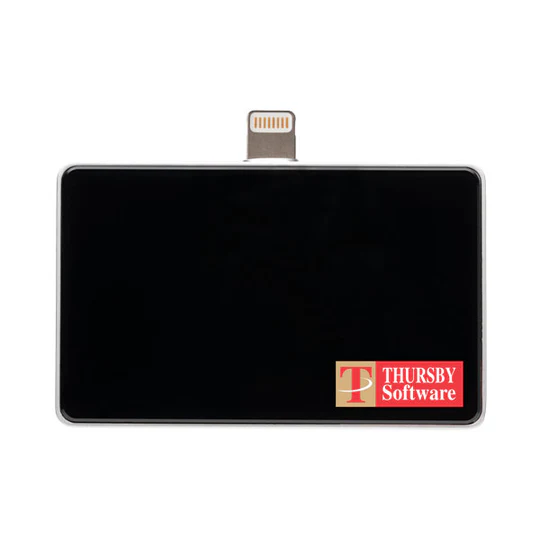
Install DoD root certificates before attempting CAC login. Use approved card readers with current drivers. Configure browsers to recognize CAC certificates properly.
Common Problems
Expired certificates prevent access until renewed. Locked PINs require reset at RAPIDS site. Browser updates sometimes break CAC functionality requiring reconfiguration.
Security Best Practices
Never share PIN or leave CAC unattended. Report lost cards immediately. Use CAC for authorized purposes only following DoD security policies.
Recommended CAC Equipment & Guides
Having the right equipment makes CAC access reliable and hassle-free. Check out our comprehensive buying guides:
- Best CAC Card Readers 2025 – USB-C vs USB-A comparison with verified Amazon products
- Complete CAC Home Office Setup – Equipment checklist including readers, hubs, and docking stations
- Best USB-C CAC Readers – Future-proof readers for modern laptops and MacBooks
- CAC Mobile Readers for iPhone & Android – Access military email from your phone
- Best Laptops for CAC Access – Remote work laptops with CAC compatibility