



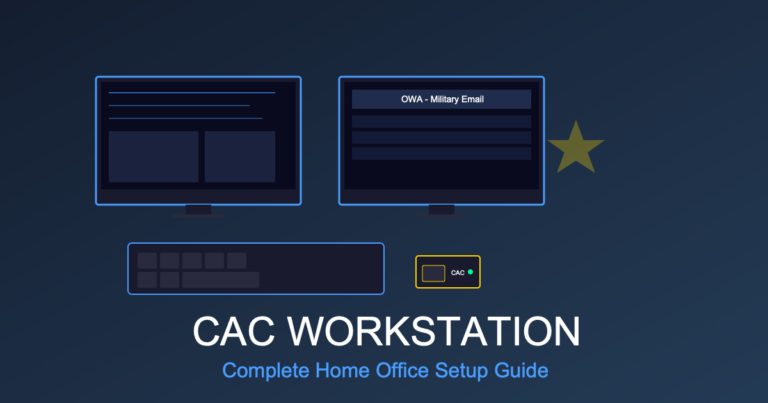
Complete CAC Home Office Setup: Equipment Checklist for Remote DoD Workers Remote work has completely changed how military personnel and…

CAC PIN Reset: RAPIDS Site Locations
Need to reset your CAC PIN? Find your nearest RAPIDS site, understand what services they offer, and learn how to…
Edge CAC Login: Microsoft Browser Setup
Microsoft Edge is often the easiest browser for CAC authentication on Windows because it uses the built-in Windows certificate store.…

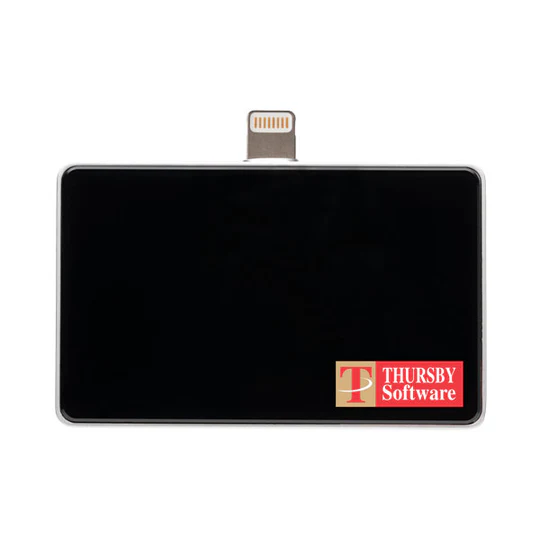
Best CAC Card Readers 2025: USB-C vs USB-A Comparison (DoD Approved)
Best CAC Card Readers 2025: USB-C vs USB-A Comparison (DoD Approved) Choosing the right CAC (Common Access Card) reader is…
Firefox CAC Configuration: Certificate Settings
Firefox handles certificates differently than Chrome or Edge. Instead of using the Windows certificate store, Firefox maintains its own certificate…

Chrome CAC Setup: Enable Smart Card Support
Chrome is the default browser for many government computers, but getting it to work properly with your CAC requires specific…

CAC Reader Drivers: Find and Install Updates
CAC reader drivers are the software that lets Windows communicate with your smart card reader. When drivers are missing, outdated,…
DoD Root Certificates: Download and Install
DoD root certificates are the foundation of CAC authentication. Without them installed on your computer, your browser won’t trust DoD…
CAC Card Locked: How to Unlock Your PIN
A locked CAC is one of the most stressful situations for military and DoD personnel—you can’t access email, systems, or…
CAC Certificate Error: Fix Common Browser Issues
CAC certificate errors are frustrating because the error messages rarely tell you what’s actually wrong. “Certificate not trusted,” “invalid certificate,”…